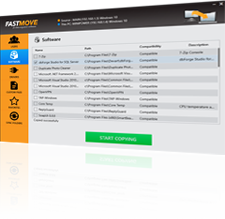
Using FastMove to transfer files from PC to PC couldn't be easier. Just follow these 3 simple steps:
Step 1
Connect both PCs to the network
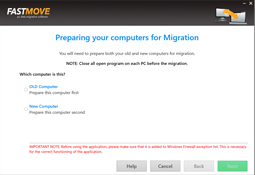
Make sure your PCs are connected to the same network for flawless online migration. If you're not connected, use the "Offline migration" mode.
Step 2
Select what you want to move
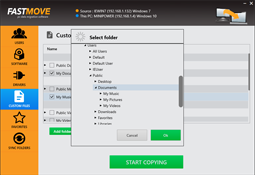
FastMove can transfer all types of data, including user profiles and settings, software, drivers, favorites, and files.
Step 3
Sit back and relax
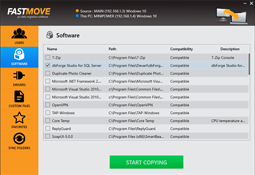
Click on the "Start Export" button and watch FastMove transfer everything from your old computer to the new one.